
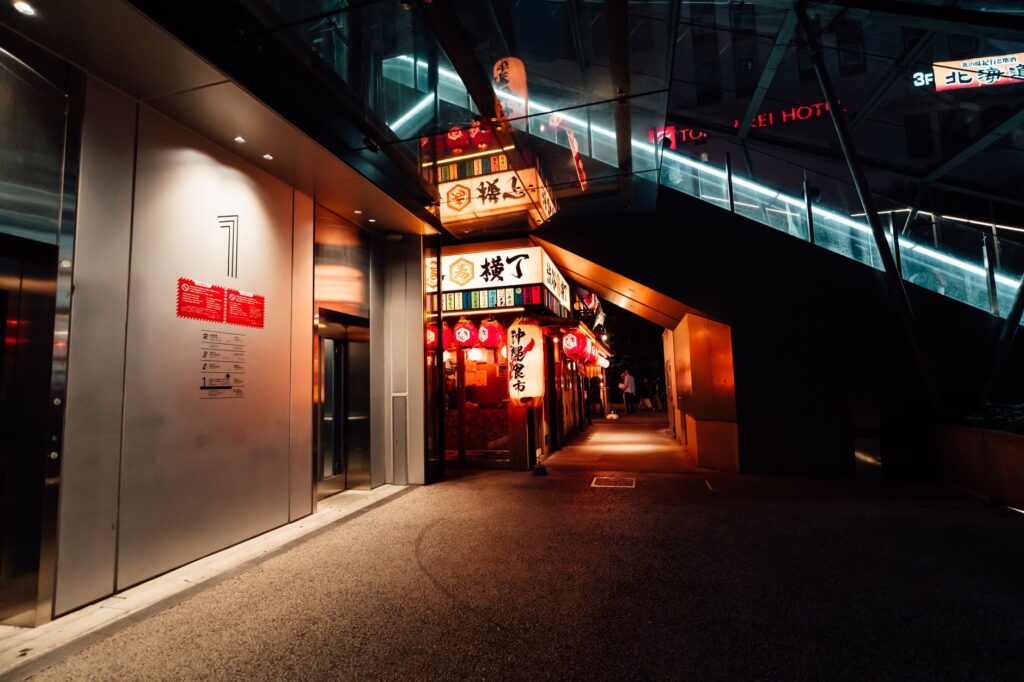
Japan runs on precision — bullet trains to the second, neon crossings, thousand-year-old temples a street from a robot café. It’s also a country where English signage thins out fast and Google Translate becomes your best friend, so mobile data is less a luxury than a survival tool. A travel eSIM has you connected the moment you land at Narita, Haneda or Kansai: buy online, scan a QR code from your email, and skip the airport counters. New to the tech? Here’s what an eSIM is and how it works.
Why an eSIM beats roaming in Japan
Roaming from home can mean eye-watering daily fees; renting a pocket Wi-Fi means a device to collect, carry and return. A local-network eSIM is one fixed price for a data bundle, paid up front, nothing to hand back. Compare in eSIM vs roaming: what international data really costs.
Mobile networks & coverage in Japan
Japan’s networks — NTT Docomo, SoftBank and au (KDDI) — are among the best on earth. Turnaa plans connect through partners and lock onto the strongest signal automatically; the operator shows in each plan’s details drawer. Coverage is excellent virtually everywhere, including on the shinkansen, in metro tunnels and deep in the mountains.
Best Japan eSIM plans right now
Prices are shown live and up front — pick your data size (our how-much-data guide helps).
| Data | Data type | Duration | Price |
|---|---|---|---|
| 0.1 GB | Standard | 7 days | $2.99 |
| 0.5 GB | Standard | 7 days | $3.13 |
| 0.5 GB/day | Unlimited | 1 day | $3.45 |
| 1 GB | Standard | 7 days | $4.09 |
| 1 GB/day | Unlimited | 1 day | $4.41 |
How to install and activate
- Buy your plan — the QR code arrives by email within seconds.
- On Wi-Fi, open Settings → Cellular → Add eSIM and scan it. See iPhone and Android guides, plus a quick check of which devices support eSIM.
- On landing, select the eSIM for data and enable data roaming for that line. Your home number stays live — keep your number and WhatsApp.
Where to go — and staying connected across Japan
Japan is made for train travel, and data keeps navigation, translation and restaurant hunting effortless.
- Tokyo — Shibuya, Shinjuku, Asakusa’s temple and the food halls; the metro is a maze best navigated with a live app.
- Kyoto & Nara — golden pavilions, torii-lined paths, geisha districts and Nara’s bowing deer.
- Osaka — the nation’s kitchen, plus a hop to Himeji Castle.
- Mount Fuji, Hakone & the Alps — hot springs, lake views and hiking; even here you’ll usually have signal.
Continuing across the region? See one eSIM for Asian travel.
What to eat in Japan
Eating is the main event. Beyond sushi and sashimi, slurp ramen (loudly is fine), try crisp tempura, sizzling okonomiyaki and takoyaki, and graze an izakaya over drinks. A multi-course kaiseki is worth splurging on once; at the other end, konbini (convenience stores) sell genuinely great, cheap meals, and vending machines are everywhere. Wash it down with matcha, sake or an ice-cold beer. Point your phone’s translator at the menu — many places are picture- or ticket-machine based.
Local customs, rules & sensitivities
- Don’t tip. It isn’t part of the culture and can cause confusion or offence — great service is simply the standard.
- Be quiet on trains — no phone calls, keep conversations low, and set your phone to silent (“manner mode”).
- Shoes off in homes, ryokan, temples and some restaurants — look for a step up and a shoe rack.
- Cash still matters — cards are increasingly accepted, but carry yen and a coin purse; IC cards (Suica/Pasmo) make transport tap-and-go.
- Small courtesies — don’t eat while walking, carry your rubbish until you find a bin (they’re scarce), and never stick chopsticks upright in rice. Tattoos may bar you from some onsen.
Japan data tips from the road
- Download Google Translate’s offline Japanese pack and offline maps — lifesavers off the tourist trail.
- Airport SIM and Wi-Fi rentals are pricey and involve a counter; an eSIM skips both.
- Transit apps (Google Maps, Japan Travel) are superb here but data-hungry — size your plan accordingly.
FAQ
How much data do I need for Japan?
Heavy use of maps and translation adds up; 5–8 GB comfortably covers a one-to-two-week trip for most, more if you stream. Our data guide has details.
Does it work on the shinkansen and in the mountains?
Yes — Japan’s coverage is exceptional, including bullet trains, metro tunnels and most mountain and rural areas.
Can I use it for Google Translate and maps all day?
Absolutely — that’s exactly what a data plan is for here; just pick enough data, since translation and navigation run constantly.
Do I keep my regular phone number?
Yes — the eSIM is data-only; your home SIM stays active for calls and texts, bank codes included.
What if it doesn’t work when I land?
Usually two settings: select the eSIM for data and enable data roaming (see troubleshooting). Support replies fast, and unactivated plans are refundable within 24 hours.