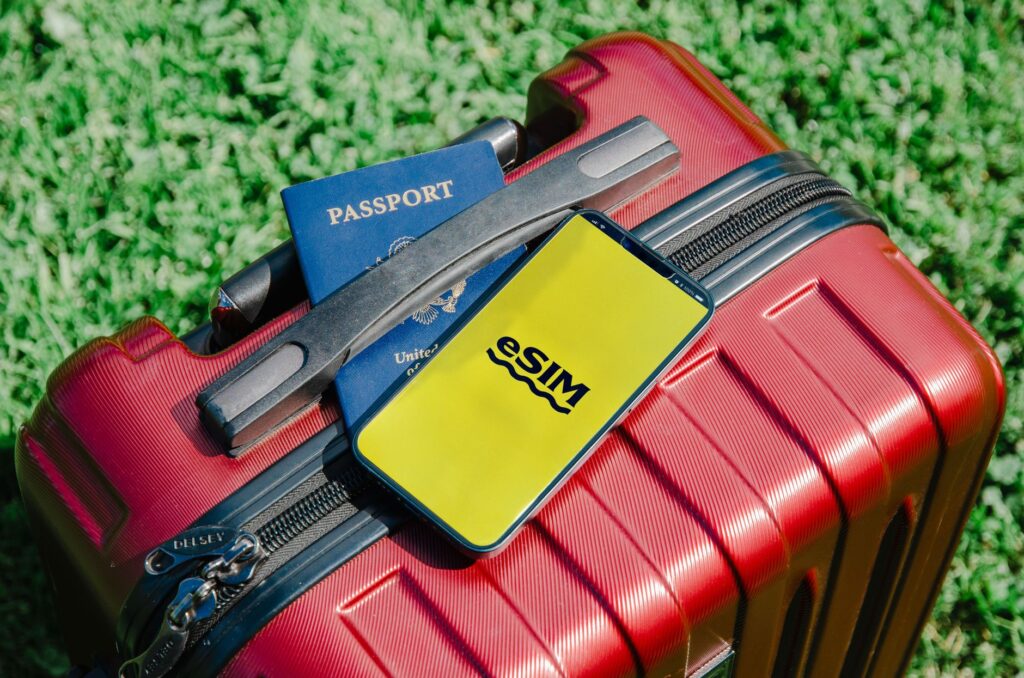

The cheapest gigabyte is the one you never use. These ten settings routinely cut travel data usage in half.
1. Download offline maps first
Google Maps lets you save whole regions over hotel Wi-Fi; navigation then costs almost nothing. Do the same in Maps.me for hiking.
2. Kill background app refresh
iPhone: Settings → General → Background App Refresh → Wi-Fi only. Android: per-app “background data” toggles. Social apps refresh constantly if allowed.
3. Turn off auto-play video
Instagram, X and Facebook all auto-play. Each has a “less data / data saver” mode buried in settings — flip them all before departure.
4. Photos back up on Wi-Fi only
Google Photos and iCloud silently upload every shot. Set both to Wi-Fi-only sync or a beach day of photos will eat a gigabyte.
5. Use the OS-level data saver
iPhone: Low Data Mode (per line). Android: Data Saver. One switch that tames everything at once.
6. Cache your entertainment
Download Spotify playlists, podcasts and Netflix episodes at the hotel; planes and trains then cost zero.
7. Watch the app-store
Auto-updates over cellular are the classic silent killer — force them to Wi-Fi in App Store / Play Store settings.
8. Compress your browsing
Chrome and several browsers offer lite/data-saving modes; for reading articles they cut usage dramatically.
9. Prefer voice notes to video calls
A WhatsApp video call runs ~5 MB per minute; a voice note says the same thing for kilobytes.
10. Actually monitor usage
Check the per-app data screen mid-trip and bust the top offender. Turnaa users can watch the live plan balance under My eSIMs.
Pair these habits with a right-sized plan: see options by destination.